

Identity verified
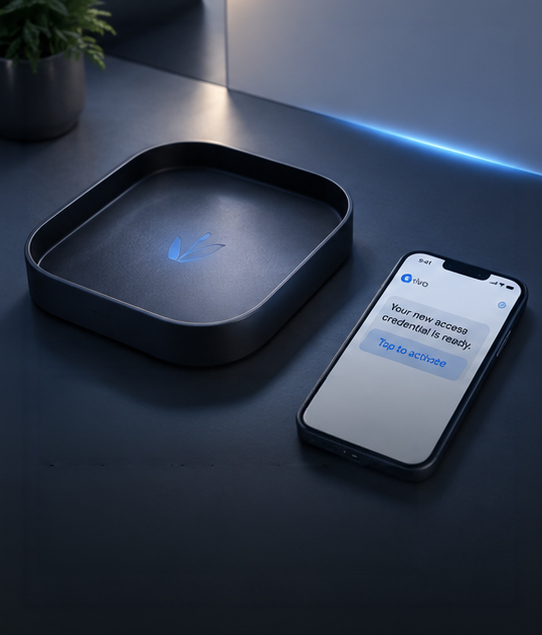
Resident downloads the Vivo app and completes a one-time identity verification. Credential issued to their specific device — not just their account.

Beta access
This site is private. Enter the team password to continue.
Mobile access control replaces every fob, keycard, and clicker your community manages — with an encrypted digital credential on the device your residents already have, already use, and will never leave home without.
Physical credentials have a built-in failure mode: they exist independently of the person they were issued to. A fob can be lent. A keycard can be copied. A clicker can be picked up off the floor of a parking garage and used indefinitely.
Mobile credentials don’t work that way. A Vivo mobile credential is bound to a verified identity and a specific device. It cannot be transferred, duplicated, or used by anyone other than the person it was issued to. And when access needs to be revoked — it’s gone in one tap, across every entry point, in real time.
Resident downloads the Vivo app and completes a one-time identity verification. Credential issued to their specific device — not just their account.
Mobile credential stored in the device’s secure enclave — the same hardware security module that protects Apple Pay and Google Pay.
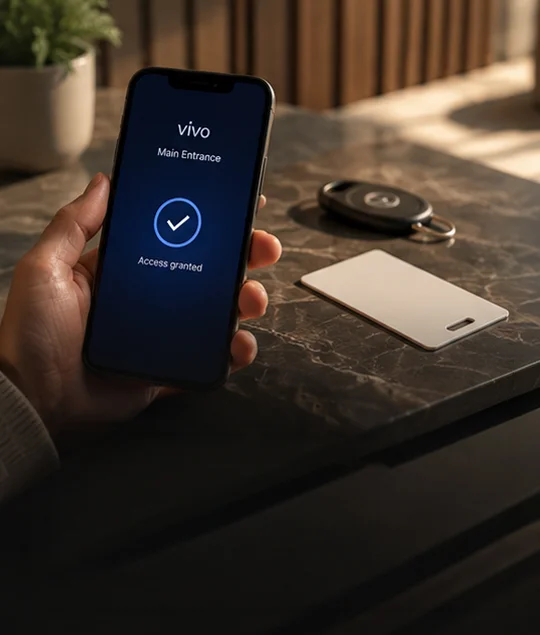
Resident holds phone near the reader or scans their QR credential. Works with NFC, Bluetooth, and QR — depending on hardware configuration.
Gate or door opens. Entry event logged with identity, timestamp, and entry point. Automatic. Complete. No manual record required.
Vivo credentials live natively in Apple Wallet and Google Wallet — the same secure storage your residents use for boarding passes and bank cards. No separate app required to open the gate.
Mobile credentials validated locally when internet connectivity is interrupted. Residents enter normally during outages. Sync resumes automatically when connection is restored.
New resident moves in? Credential issued by text or email invite. Active in under 5 minutes. No visit to the management office. No physical handoff required.
Resident moves out? One tap revokes access across every entry point simultaneously. No locksmith. No hardware reprogramming. No grace period where the old credential still works.
Residents can have credentials on their phone and their watch simultaneously. Family members in the same unit each receive their own unique credential.
Every mobile credential use logged with identity, timestamp, and entry point. Resident can see their own history. Management sees everything.
Vivo is deployed alongside your existing credential system. Residents migrate to mobile at their own pace during the transition window. No forced cutover. No access disruption.
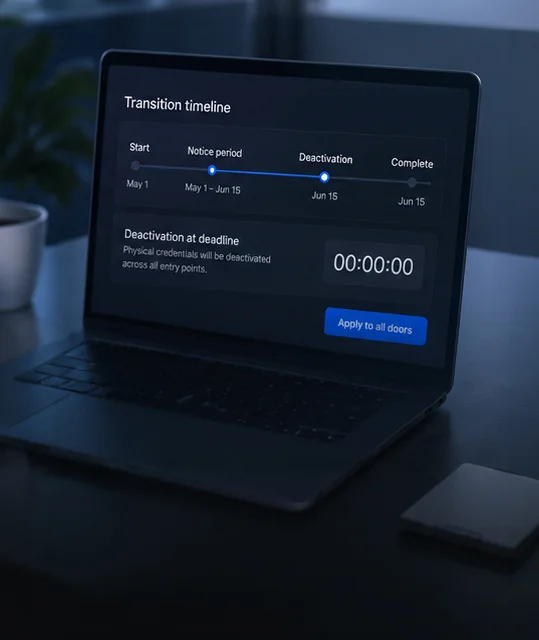
Set a transition deadline that works for your community. When the window closes, physical credentials are deactivated from the dashboard — simultaneously, across every entry point, in seconds.
Once the transition is complete, there is no physical credential inventory to manage, order, or replace — ever. Lost credential? New one issued by text in under 5 minutes.
Opens the gate from the airport. Issues a guest pass to the housekeeping service before landing. Gate opens automatically when they arrive. All from the same app.
Parents have credentials on phone and watch. Children have credentials on their devices. Each credential unique, each access history separate, each revocable independently.
Manages access for their unit remotely. Issues short-term credentials for rental guests. Reviews entry history from another city. Never needs to visit the management office.
Uses QR credential at their preferred pace. Doesn’t need to remember app navigation for daily entry — one saved QR code in the camera roll is all they need. Backup PIN available at every reader.


"We issued 340 mobile credentials on install day. Not one resident called for help. Not one called back to ask for a physical fob. The transition was invisible — which is exactly what we needed."

"Residents stopped calling the office for lost fobs. Move-outs revoke in one tap. Our admin time on credentials dropped to almost zero."

"Our older residents adopted faster than we expected. A saved QR in the camera roll is enough — no daily app navigation. The PIN backup at every reader sealed the deal for the board."

"My family has credentials on phones and watches. Guests get time-bound passes. I revoke and re-issue in seconds — no truck roll, no locksmith."

Book a demo. A senior integrator will walk you through the full mobile credential workflow — issuance, daily use, and revocation — and send a scoped proposal for your property within 72 hours.